Utility billing errors rarely arrive as one dramatic overcharge. They arrive as a small number that is wrong in the same way every month, because the setup that produced it runs every cycle.
That is why a monthly check matters more than an annual audit. An error caught in month two costs two bills. The same error caught in month 20 costs 20, and the utility’s tariff rules may limit how far back it will correct.
We will not tell you what share of bills are wrong. No reliable study measures it, and a figure without a study behind it is a sales line, not a fact. What we can say is which errors are worth looking for, how they show up on the page and what to do when you find one.
Why setup errors repeat
A bill is the output of an account setup: meter, multiplier, rate schedule, tax status, service address. The utility’s billing system applies that setup to each new read.
When the setup is right, the bill is right. When one field is wrong, every bill after it carries the same mistake. Fixing the bill without fixing the field means the error comes back next month.
So each check below asks two questions. Is this bill right? And is the setup that produced it right?
1. A wrong meter multiplier
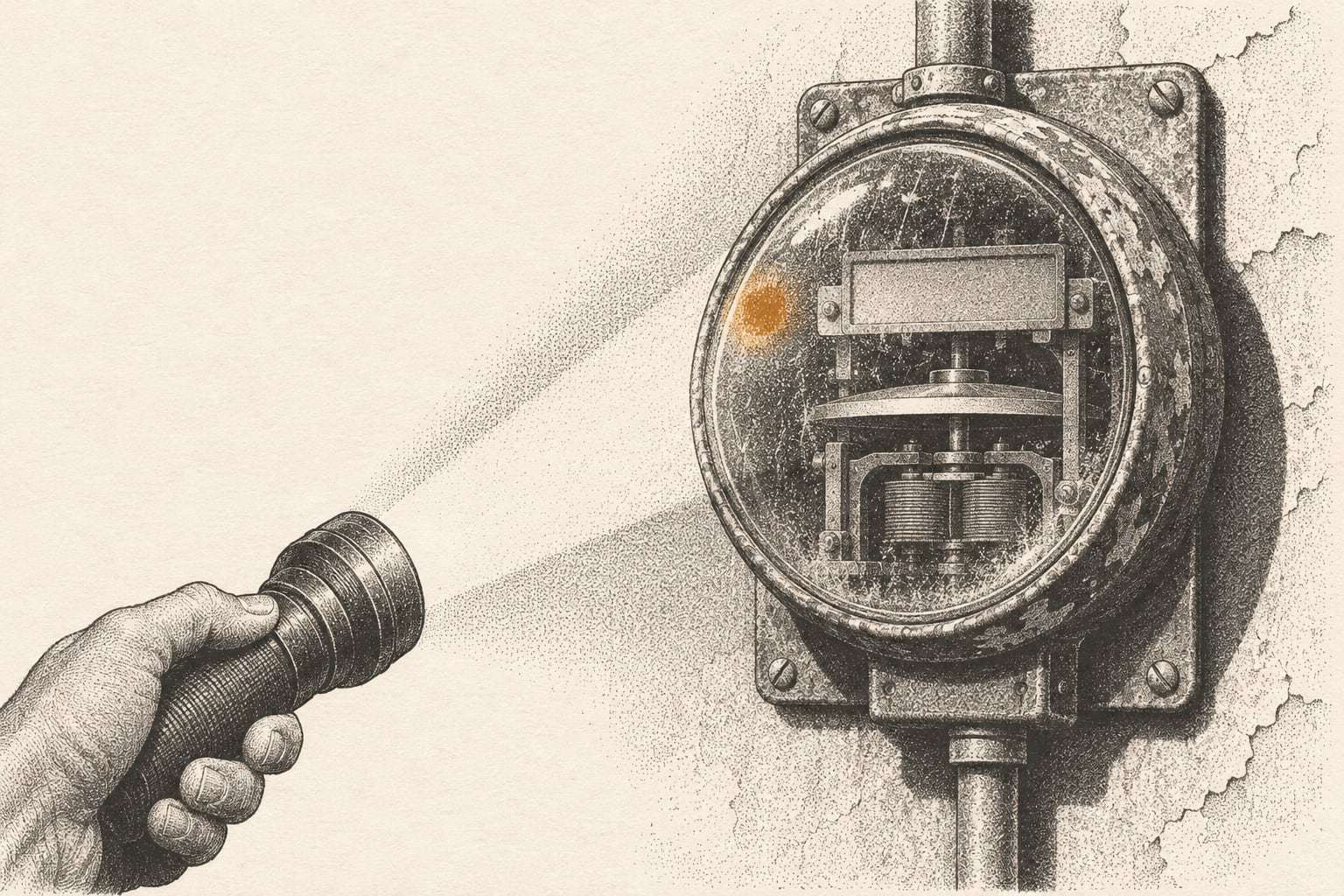
Larger commercial meters record a scaled reading, and the bill multiplies it by a constant. If the constant in the billing system does not match the meter’s transformers, every kWh and kW on the bill is off by the same ratio.
It shows up most after a meter swap. In this example, a site’s old meter used a multiplier of 80 and the replacement needs 40. If the billing system keeps 80, the site is billed for twice its usage until someone notices. The reverse happens too, and an undercharge found later usually comes back as a back-bill.
Spot it: compare the multiplier to last month and to last year. Any change without a meter swap needs an explanation. A sudden jump in kWh per day with no change in operations is the other clue.
2. Estimated reads in a row
One estimated read is routine. Three or four in a row mean the utility has not seen the meter in a season, and the catch-up bill will carry the difference all at once.
A chain of estimates can also hide a meter that has stopped recording. That tends to end in a large back-bill from the utility when the failure is finally found, often after the accounting year has closed.
Spot it: log the read type on every bill. At two estimates in a row, call the utility and ask why. Our note on estimated meter reads covers the follow-up.
3. An outgrown rate schedule
This one is not always the utility’s mistake. The rate schedule was chosen when the account opened, and the site has since changed hours, equipment or tenants.
Sometimes it is a true error. An account can move to a different schedule during a billing system change, or be set up on a schedule the site does not qualify for.
Spot it: note the schedule code on each bill and compare it across similar sites. A code that changed with no request from you is a question for the utility. A site on a schedule that no longer matches its load is a question for a rate review.
4. Overlapping or duplicate periods
Read dates should chain. This bill’s start date is the day after the last bill’s end date. When a bill is cancelled and rebilled, or an account transfers between owners, periods can overlap or repeat.
Spot it: line up the read dates for the last 12 bills on each account. Look for days counted twice, a period that repeats, or a rebill that adds a new charge without reversing the old one. Check accounts payable at the same time for two payments against the same invoice.
5. Meters that are not yours
Portfolios collect stray accounts over time. A closed store still carrying a minimum bill. A sign or parking lot light at a site you sold. A meter at the neighboring unit tied to your account by a one-digit error in the service address.
Spot it: keep a list of every meter tied to a site, cost center and general ledger code, and reconcile it against the accounts your team actually pays. Any account with no site on the list, or a site that has closed, needs a call. Our note on meter-to-site mapping explains how to build that list.
6. Taxes and exemptions applied wrong
Taxes and franchise fees depend on the service address and on the tax status the utility has on file. An exemption certificate filed for one account may never reach the others. A site inside city limits may be coded as outside them, or the reverse.
Spot it: check that the tax lines on similar sites in the same city look alike. If your organization holds an exemption, confirm the utility has the certificate for every eligible account. Exemptions vary by state and city, so your tax advisor confirms which apply.
7. Late fees on paid bills
A late fee on a bill your team paid on time usually means the payment went to the wrong account, posted late through a lockbox, or was split across accounts the wrong way.
Late fees are small, which is why they last. They also signal a payment problem that can grow into a disconnection notice at a site nobody is watching closely.
Spot it: search each month’s bills for late fees, then match each one to the payment record. Ask the utility to reverse any fee on a payment made by the due date. Then fix the account mapping in your payment system so it does not repeat.
A monthly order of checks
If you run these by hand, run them in this order. Each check relies on the output of the one before it.
- Meter and account match the site list.
- Read dates chain from the last bill, and the read was actual.
- The multiplier and rate schedule are unchanged.
- Usage and demand recalculate from the reads.
- Taxes and fees match similar sites.
- The last payment posted, with no late fee.
Our bill audit checklist expands this into the checks a team can run in about an hour per bill, with a note on what each one catches.
When you find one
Write down five things: the account, the bill date, the line, the amount, and the tariff section or record that shows it is wrong. Call or write to the utility with that detail. Ask for a corrected bill, and ask what changed in the account setup.
Then check the next bill to confirm the fix held. A corrected bill followed by the same error the month after means the setup was never changed.
Keep a log of every dispute and its outcome. Over a year, the log tells you which errors repeat across your portfolio, which utilities fix them quickly and which sites need a closer look.
| Log field | Why it matters |
|---|---|
| Account and site | Shows where errors cluster |
| Error type | Shows which checks earn their time |
| Amount in question | Sets priority for follow-up |
| Date raised and date credited | Shows how long corrections take |
When to look further back
A monthly check stops new errors. It does not recover old ones. If you find an error that has clearly run for a while, the earlier bills carry it too.
A Back-Bill Review reads up to 36 months of bills across up to 50 accounts for a fixed fee, files corrections in your name, and passes any refund to you in full. There is no share of refunds, so there is no reason to favor big findings over accurate ones.
Going forward, Bill Desk runs every check above on every bill, every month, before the payment date, and explains each variance in a line your finance team can read.
Start with three bills
If you would rather see these checks run on your own bills first, send three recent ones for a free Three-Bill Read. A utility analyst returns a written read of each line, with anything that looks off marked, in five business days.